
LoopLink
CarPlay for Android car head units. Wired or wireless.
Download APK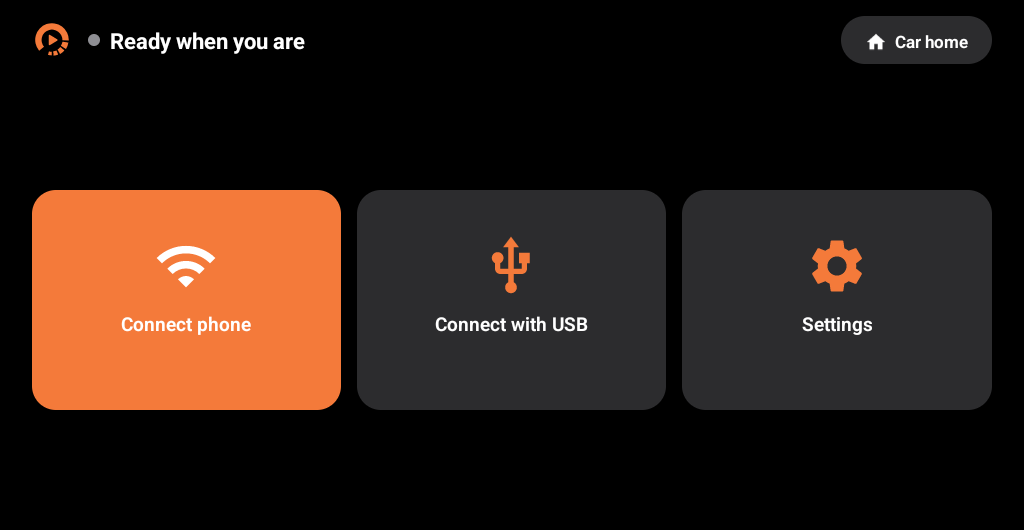
Works with
- Suzuki Swift
- Toyota Corolla Altis
- Honda City
- Generic Android panels in other cars
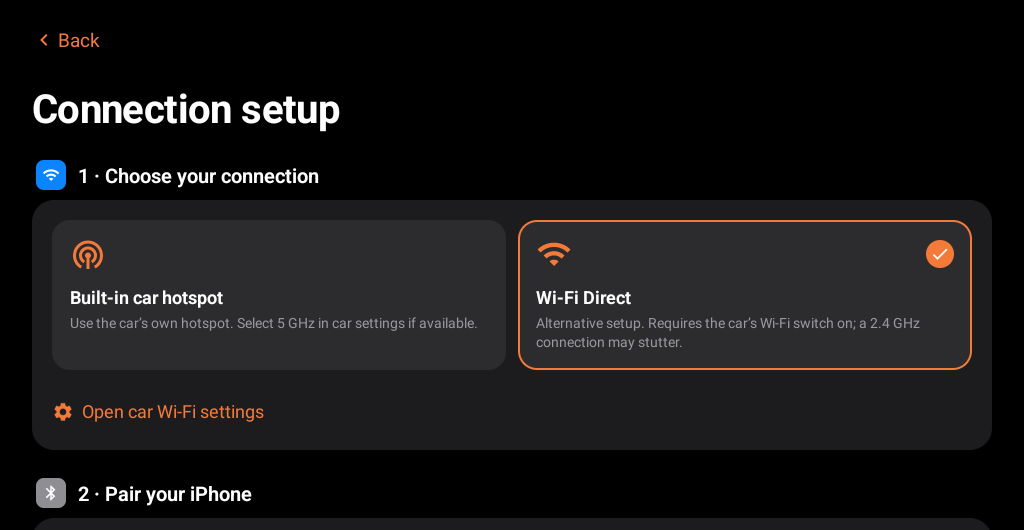
Pakistani models with an aftermarket Android panel. The panel needs Android 9 or newer, Bluetooth and Wi-Fi. Wi-Fi Direct needs Android 10.
Install
- Install the APK on the head unit.
- Pair your iPhone with the car's Bluetooth.
- Open LoopLink and tap Connect phone, or Connect with USB.